TidyClips guide · YouTube
A Bookmark Manager for YouTube Videos and Shorts
Watch Later is a queue. TidyClips is a reference library: it keeps the link alongside your topic, note, reminder, and—when supported—a timestamped transcript.
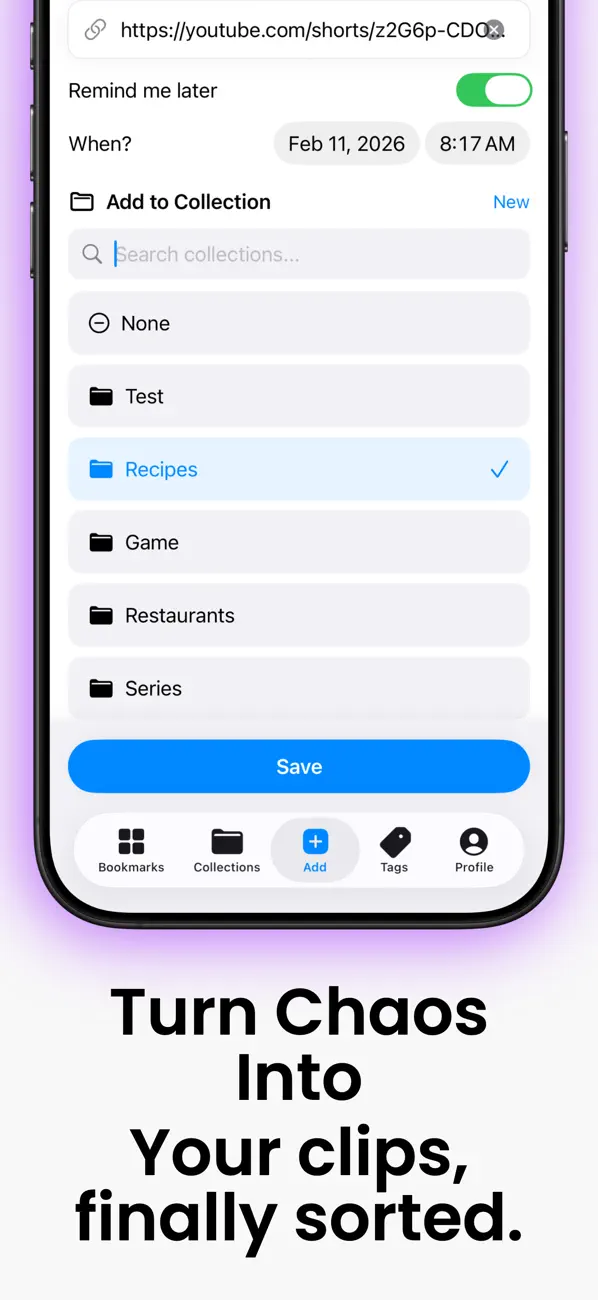
The workflow
Save the reference, then add the context.
- 1
Share or paste the YouTube URL
Save from the iOS Share Sheet or paste the source link into TidyClips.
- 2
Place it in a collection
Separate research, tutorials, inspiration, entertainment, and projects so one queue does not become another feed.
- 3
Add retrieval details
Use tags and notes for the person, topic, technique, or timestamp you need later.
- 4
Transcribe when useful
Pro + Transcription can turn supported spoken media into a timestamped transcript in 99+ languages.
Organization ideas
Create a system based on how you will use it.
TidyClips stores a reference to the original source and the organization you add. Availability, playback, and usage rights remain controlled by the original platform and creator.
See all TidyClips features