TidyClips guide · Instagram
How to Organize Instagram Reels
Reels can hold excellent references, but a saved-post grid does not preserve your reason for saving each one. TidyClips adds the organization around the source link.
The workflow
Save the reference, then add the context.
- 1
Send the Reel to TidyClips
Use Instagram’s Share menu and the iOS Share Sheet to pass the source link into TidyClips.
- 2
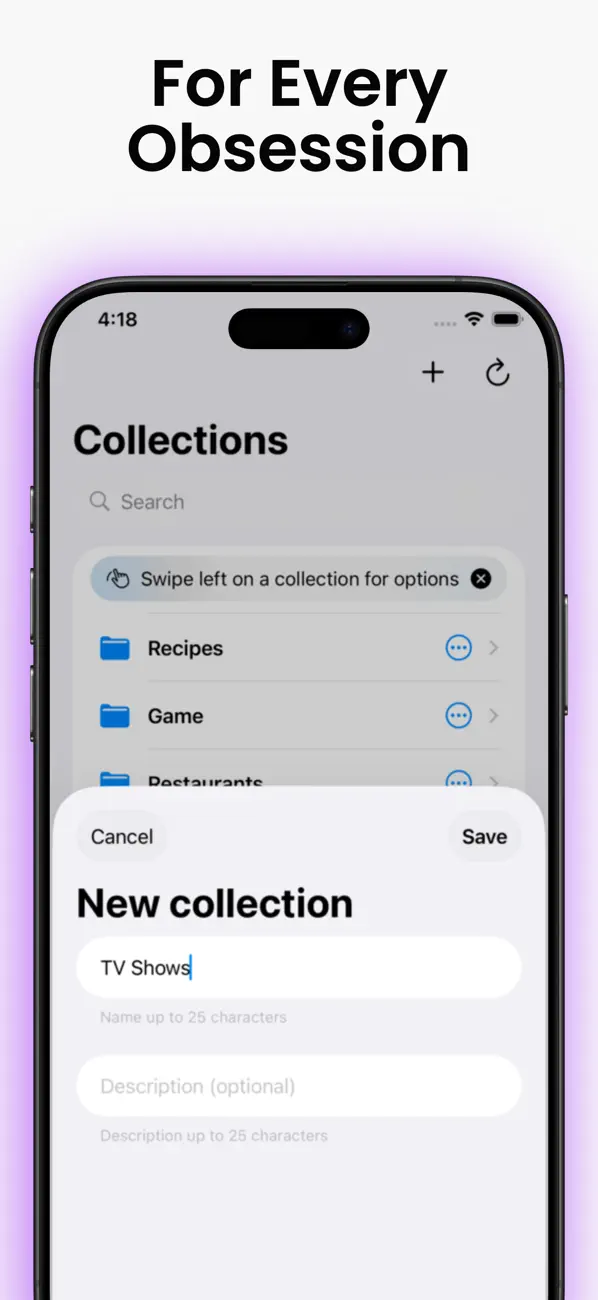
Group related references
Choose a collection such as interior ideas, recipes, travel, campaigns, or creative direction.
- 3
Add your own language
Tags and notes make the Reel retrievable by the idea you saw rather than only the original caption.
- 4
Review intentionally
Use favorites and reminders to turn passive saving into a shortlist or future action.
Organization ideas
Create a system based on how you will use it.
TidyClips stores a reference to the original source and the organization you add. Availability, playback, and usage rights remain controlled by the original platform and creator.
See all TidyClips features